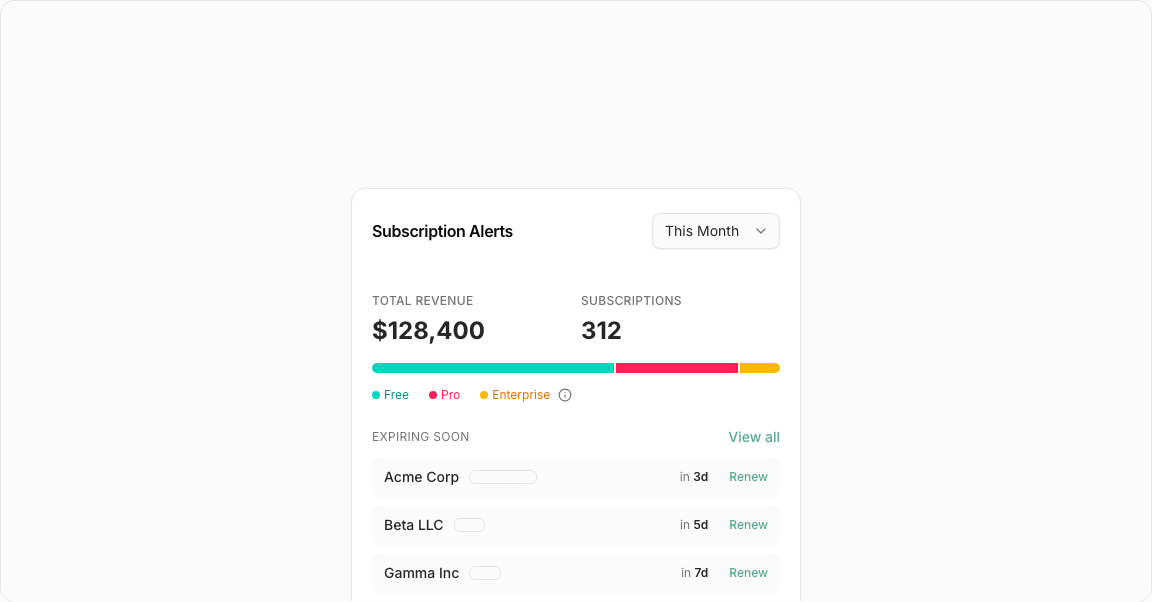
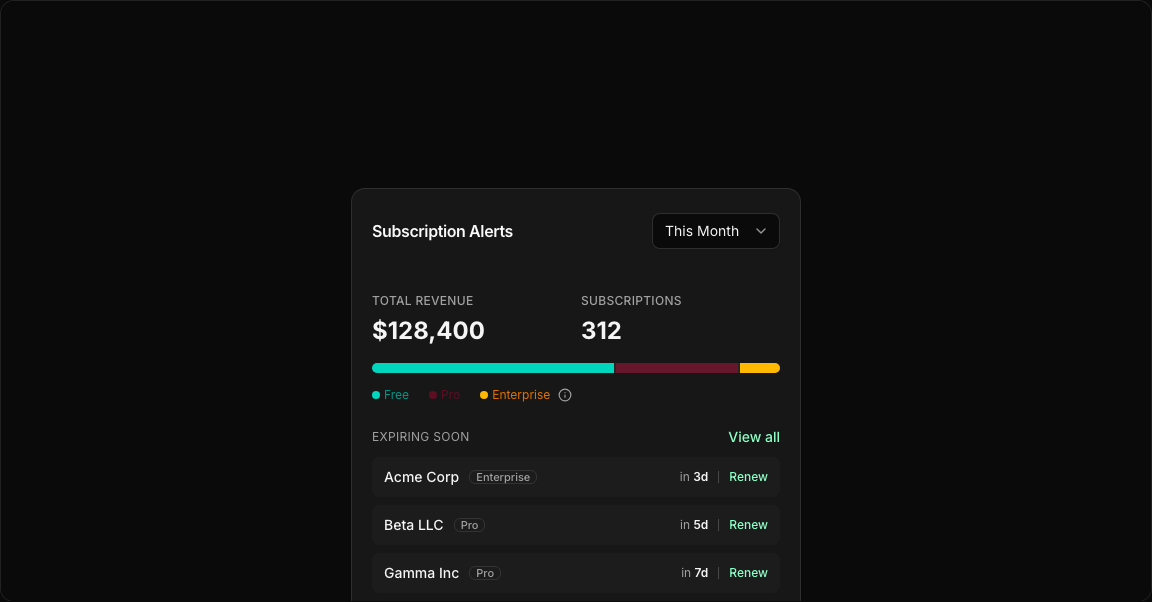
import { Badge } from "@/registry/default/ui/badge/radix";
import {
  Card,
  CardContent,
  CardHeader,
  CardTitle,
  CardToolbar,
} from "@/registry/default/ui/card/radix";
import {
  Select,
  SelectContent,
  SelectItem,
  SelectTrigger,
  SelectValue,
} from "@/registry/default/ui/select/radix";
import { Separator } from "@/registry/default/ui/separator";
import {
  Tooltip,
  TooltipContent,
  TooltipProvider,
  TooltipTrigger,
} from "@/registry/default/ui/tooltip";
import { Info } from "lucide-react";

export default function StatisticCard3() {
  const alerts = [
    { name: "Acme Corp", plan: "Enterprise", daysLeft: 3, renewUrl: "#" },
    { name: "Beta LLC", plan: "Pro", daysLeft: 5, renewUrl: "#" },
    { name: "Gamma Inc", plan: "Pro", daysLeft: 7, renewUrl: "#" },
  ];

  return (
    <div className="min-h-screen flex items-center justify-center p-6 lg:p-8">
      <Card className="w-full md:w-[450px]">
        <CardHeader className="border-0 py-6">
          <CardTitle>Subscription Alerts</CardTitle>
          <CardToolbar>
            <Select defaultValue="this-month">
              <SelectTrigger className="w-32">
                <SelectValue placeholder="Select a plan" />
              </SelectTrigger>
              <SelectContent>
                <SelectItem value="this-month">This Month</SelectItem>
                <SelectItem value="last-month">Last Month</SelectItem>
                <SelectItem value="this-year">This Year</SelectItem>
                <SelectItem value="last-year">Last Year</SelectItem>
              </SelectContent>
            </Select>
          </CardToolbar>
        </CardHeader>
        <CardContent>
          {/* Stats Row */}
          <div className="flex items-center gap-2.5 mb-4">
            <div className="flex flex-col gap-1.5 flex-1">
              <div className="text-xs text-muted-foreground font-medium tracking-wide uppercase">
                Total Revenue
              </div>
              <div className="text-2xl font-bold text-foreground">$128,400</div>
            </div>
            <div className="flex flex-col gap-1.5 flex-1">
              <div className="text-xs text-muted-foreground font-medium tracking-wide uppercase">
                Subscriptions
              </div>
              <div className="text-2xl font-bold text-foreground">312</div>
            </div>
          </div>
          {/* Segmented Progress Bar */}
          <div className="flex items-center gap-0.5 w-full h-2.5 rounded-full overflow-hidden mb-3.5 bg-muted">
            <div className="bg-teal-400 h-full" style={{ width: "60%" }} />
            <div className="bg-destructive h-full" style={{ width: "30%" }} />
            <div className="bg-amber-400 h-full" style={{ width: "10%" }} />
          </div>
          {/* Legend */}
          <div className="flex items-center gap-5 mb-6">
            <div className="flex items-center gap-1 text-xs text-teal-600">
              <span className="size-2 rounded-full bg-teal-400 inline-block" />{" "}
              Free
            </div>
            <div className="flex items-center gap-1 text-xs text-destructive">
              <span className="size-2 rounded-full bg-destructive inline-block" />{" "}
              Pro
            </div>
            <div className="flex items-center gap-1 text-xs text-amber-600">
              <span className="size-2 rounded-full bg-amber-400 inline-block" />{" "}
              Enterprise
              <span className="ms-1">
                <TooltipProvider>
                  <Tooltip>
                    <TooltipTrigger asChild>
                      <Info className="size-3.5 text-muted-foreground cursor-pointer" />
                    </TooltipTrigger>
                    <TooltipContent>
                      <span>
                        Enterprise plans are custom contracts with premium
                        support.
                      </span>
                    </TooltipContent>
                  </Tooltip>
                </TooltipProvider>
              </span>
            </div>
          </div>
          {/* Expiring Soon List */}
          <div className="flex items-center justify-between mb-2.5">
            <div className="text-xs text-muted-foreground tracking-wide uppercase">
              Expiring Soon
            </div>
            <a
              href="#"
              className="text-sm text-primary font-medium hover:underline"
            >
              View all
            </a>
          </div>
          {alerts.map((item) => (
            <div
              key={item.name}
              className="flex items-center justify-between bg-muted/40 rounded-md px-3 py-2.5 mb-2 last:mb-0"
            >
              <div className="flex items-center gap-2.5">
                <span className="text-sm font-medium text-foreground">
                  {item.name}
                </span>
                <Badge size="sm" variant="outline">
                  {item.plan}
                </Badge>
              </div>
              <div className="flex items-center gap-2.5">
                <span className="text-xs text-muted-foreground">
                  in{" "}
                  <span className="font-semibold text-foreground">
                    {item.daysLeft}d
                  </span>
                </span>
                <Separator
                  orientation="vertical"
                  className="h-3 bg-accent-foreground/20"
                />
                <a
                  href={item.renewUrl}
                  className="text-xs text-primary font-medium hover:underline"
                >
                  Renew
                </a>
              </div>
            </div>
          ))}
        </CardContent>
      </Card>
    </div>
  );
}