statistic-card-11
Single block view - Copy and use this block in your project: statistic-card-11
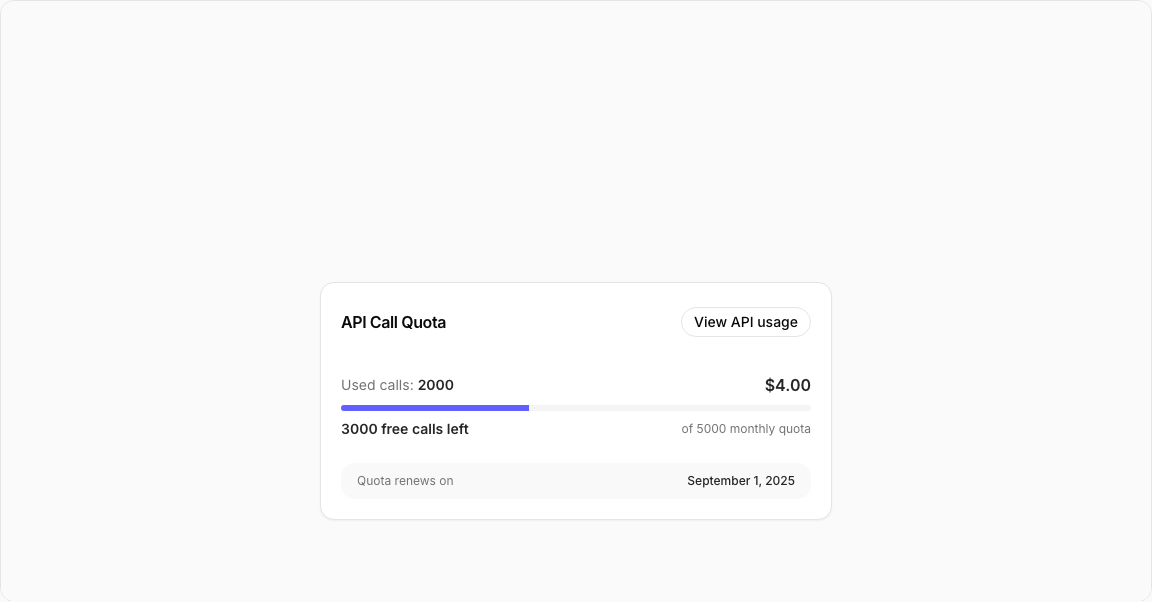
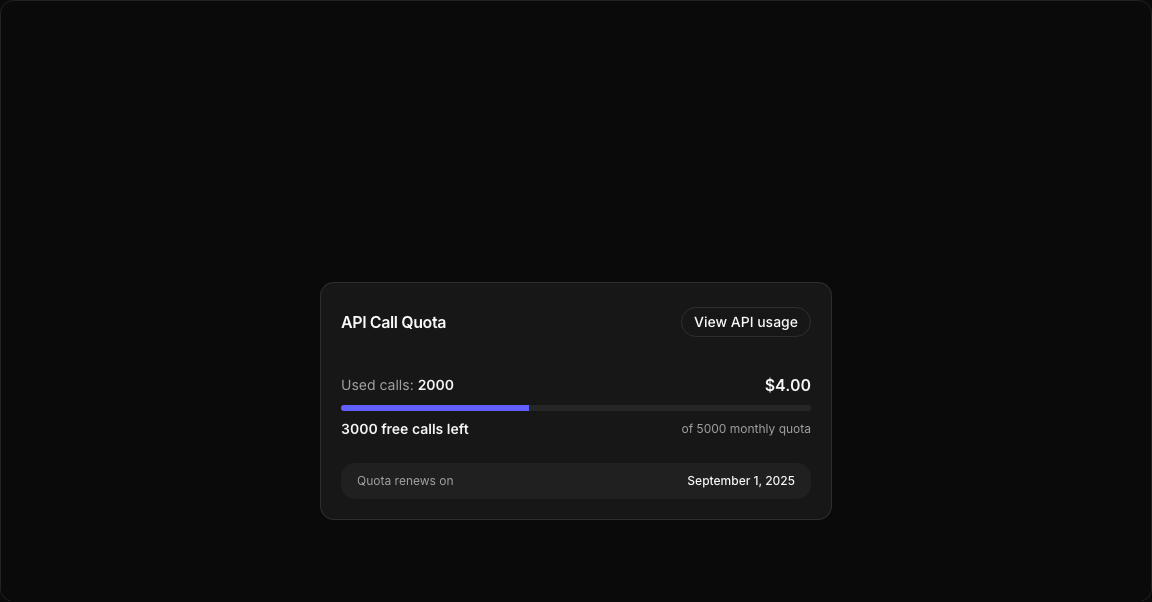
Statistic Card 11 – API Quota Card
A developer-focused API quota tracking card displaying usage limits, remaining calls, and cost information with a visual progress indicator.
Key Features
- Quota Progress – Indigo progress bar showing usage.
- Used/Remaining – Clear call count display.
- Cost Calculation – Price per API call batch.
- Renewal Date – Next reset date information.
- Action Button – Link to detailed API usage stats.
Visual Design
- Indigo Progress – Custom indicator color.
- Clean Layout – Clear data hierarchy.
- Muted Footer – Renewal date in subtle text.
Use Cases
- Developer Dashboards – API usage monitoring.
- SaaS Platforms – Usage-based billing displays.
- API Management – Quota tracking interfaces.
- Account Settings – Plan usage information.
Technical Stack
- React – Component with quota calculations.
- Tailwind CSS – Indigo progress styling.
- Radix UI – Card, Progress, Button components.
- Custom Progress – indicatorClassName override.
Didn't find what you were looking for?
Suggest block